
Start here if you are new
Follow Physical Hardware, Memory Hierarchy, then Execution Model before jumping into tuning tools. That sequence makes the later pages much easier to interpret.
For AI Developers
This is your main GPU page. From here you can jump into architecture, execution internals, performance analysis, and practical GPU tools. The UI is intentionally clean white while keeping the technical style.
Learning Tracks
7 sections
Interactive Tools
15+ tools
Supported GPUs
50+ GPUs
Physical hardware foundations: SMs, cores, memory buses, and board design.
ExploreRegisters, shared memory, L2, VRAM, and how data moves across tiers.
ExploreWarps, blocks, grids, scheduling behavior, and runtime execution flow.
ExploreFrom CUDA source to PTX, SASS, and final kernel binaries.
ExploreKernel design, memory access patterns, synchronization, and tuning.
ExploreCUDA driver/runtime interactions, scheduling layers, and device control.
ExploreCUDA libraries and ML frameworks that map workloads onto GPU kernels.
ExploreEstimate memory footprint by parameters, precision, sequence length, and mode.
Open VRAM ToolCompare full fine-tuning, LoRA, and QLoRA memory before starting a training run.
Open Fine-Tuning ToolModel active warps and identify register/shared-memory pressure quickly.
Open Occupancy ToolShortlist GPU options for training, fine-tune, and high-throughput inference.
Open GPU PickerCompare API, cloud GPU, and self-hosted cost over three years, with break-even points.
Open Cost CalculatorSee how branch conditions split a warp into active and waiting execution passes.
Open Divergence ToolPlot kernels against memory and compute ceilings to see the real bottleneck fast.
Open Roofline Tool| GPU | Arch | VRAM | FP16 TFLOP | Mem BW | Compute | Best For |
|---|---|---|---|---|---|---|
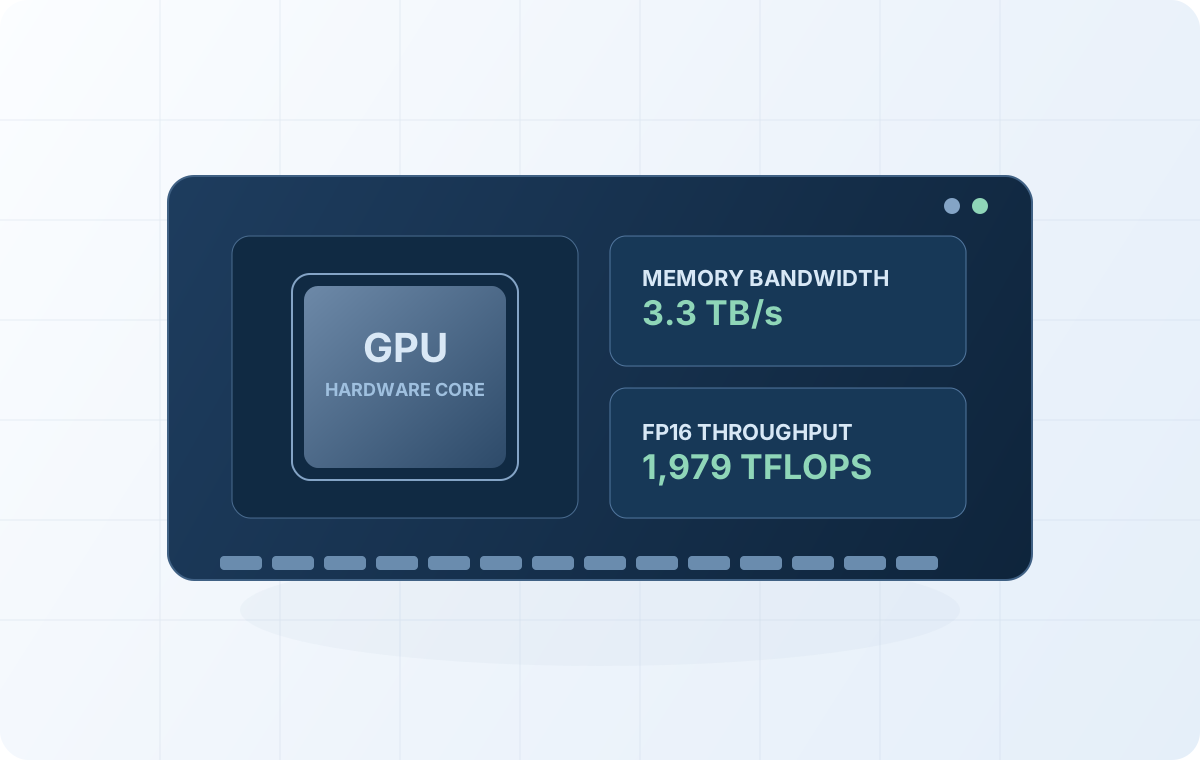
| NVIDIA H100 SXM5 | Hopper | 80GB HBM3 | 1,979 | 3.3 TB/s | 9.0 | Large-scale training |
| NVIDIA A100 SXM4 | Ampere | 80GB HBM2e | 312 | 2.0 TB/s | 8.0 | General DL workloads |
| RTX 4090 | Ada Lovelace | 24GB GDDR6X | 82.6 | 1.0 TB/s | 8.9 | Local inference |
| L40S | Ada Lovelace | 48GB GDDR6 | 183 | 0.8 TB/s | 8.9 | Multi-model serving |
Large-scale training
Arch
Hopper
VRAM
80GB HBM3
FP16
1,979
Mem BW
3.3 TB/s
Compute
9.0
Best For
Large-scale training
General DL workloads
Arch
Ampere
VRAM
80GB HBM2e
FP16
312
Mem BW
2.0 TB/s
Compute
8.0
Best For
General DL workloads
Local inference
Arch
Ada Lovelace
VRAM
24GB GDDR6X
FP16
82.6
Mem BW
1.0 TB/s
Compute
8.9
Best For
Local inference
Multi-model serving
Arch
Ada Lovelace
VRAM
48GB GDDR6
FP16
183
Mem BW
0.8 TB/s
Compute
8.9
Best For
Multi-model serving
Follow Physical Hardware, Memory Hierarchy, then Execution Model before jumping into tuning tools. That sequence makes the later pages much easier to interpret.
Open the VRAM calculator and GPU picker first, then use the learning pages only where you need more explanation about bottlenecks or architecture tradeoffs.
Pair this hub with the GPU and budget framework and low-VRAM model planning for end-to-end hardware decisions.